Birdario
English

For canary and cage bird breeders

Your breeding notebook, now in your pocket.

Record every bird by its number, link its parents and the pedigree builds itself. Pairs, chicks and statistics in one place.

Coming soonGoogle PlayComing soonApp Store
  • No account
  • No ads
  • Works offline
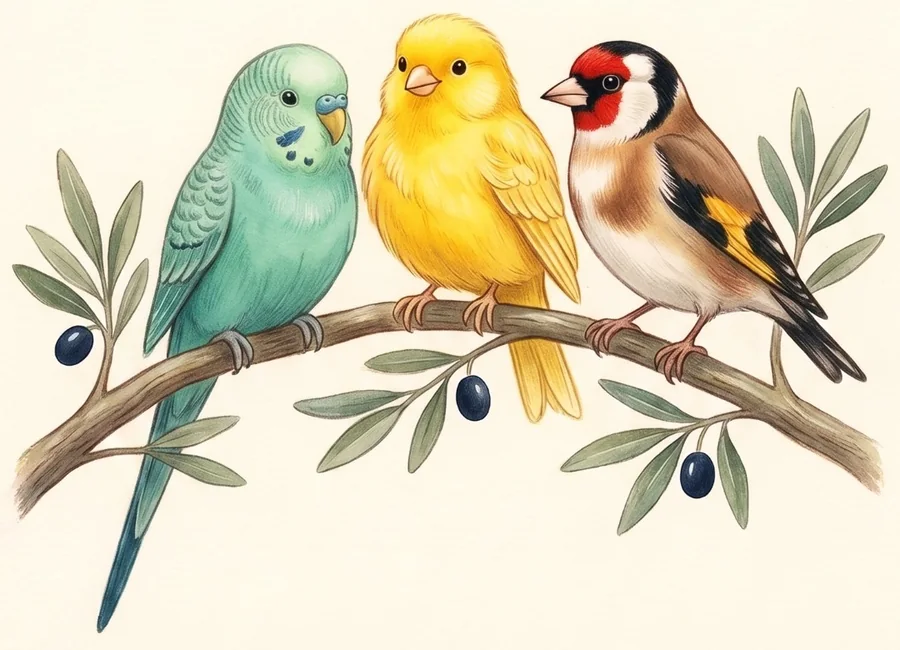
A budgerigar, a canary and a goldfinch on a branch
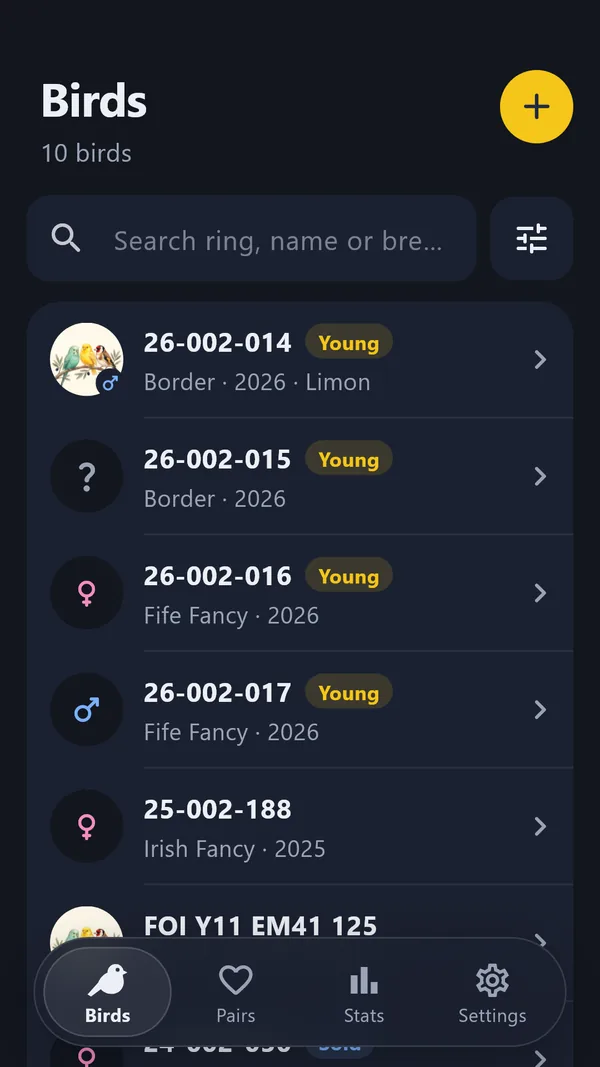
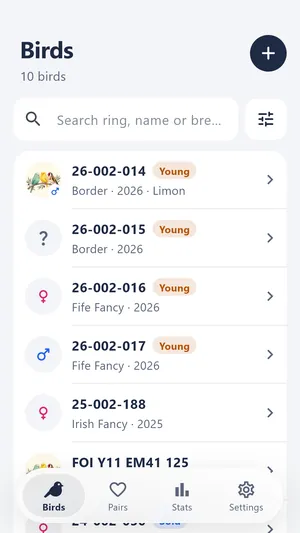
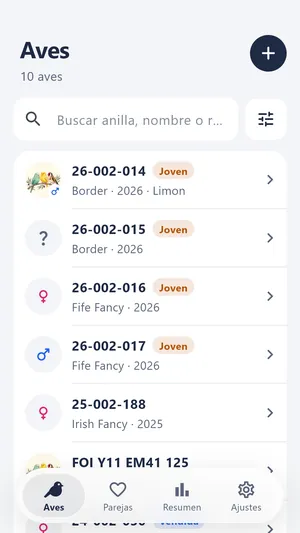
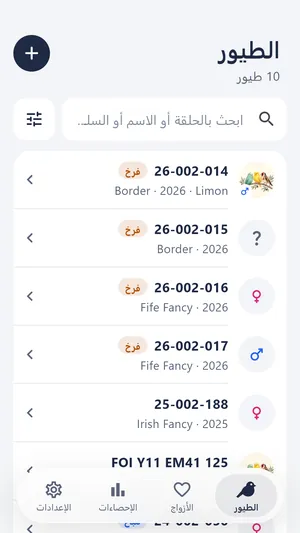
Bird list in dark theme
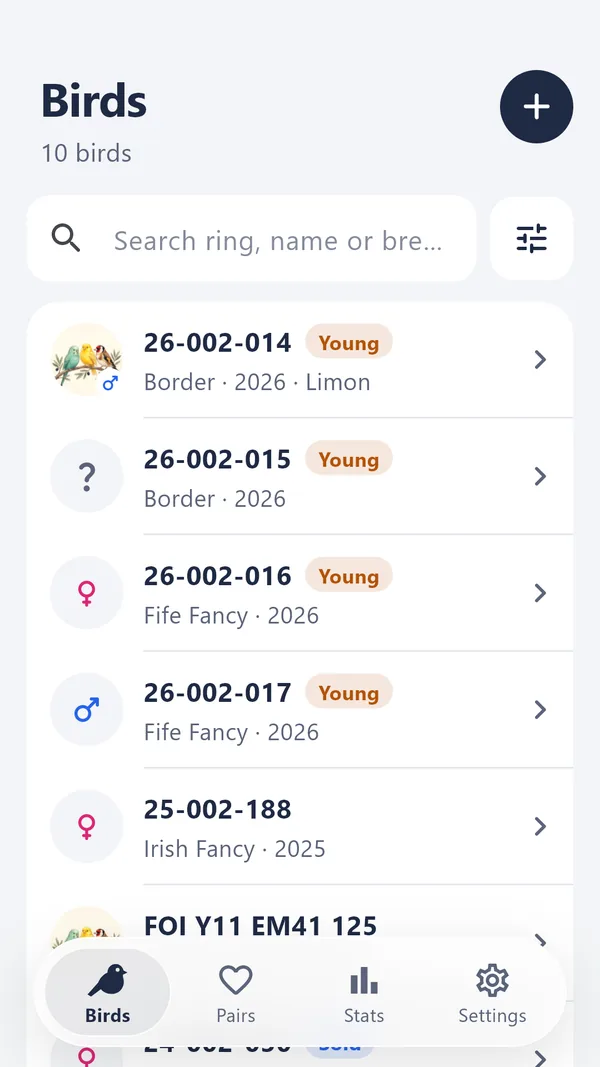
Birdario bird list

How it works

The order of a notebook, without the paper pile.

  1. 1

    Record the bird

    Official ring or your own number, sex, breed, hatch year and photo. The app suggests the next number.

  2. 2

    Link the parents

    Pick the father and mother from your list. Pair your birds and enter the season's chicks in one go.

  3. 3

    The pedigree is ready

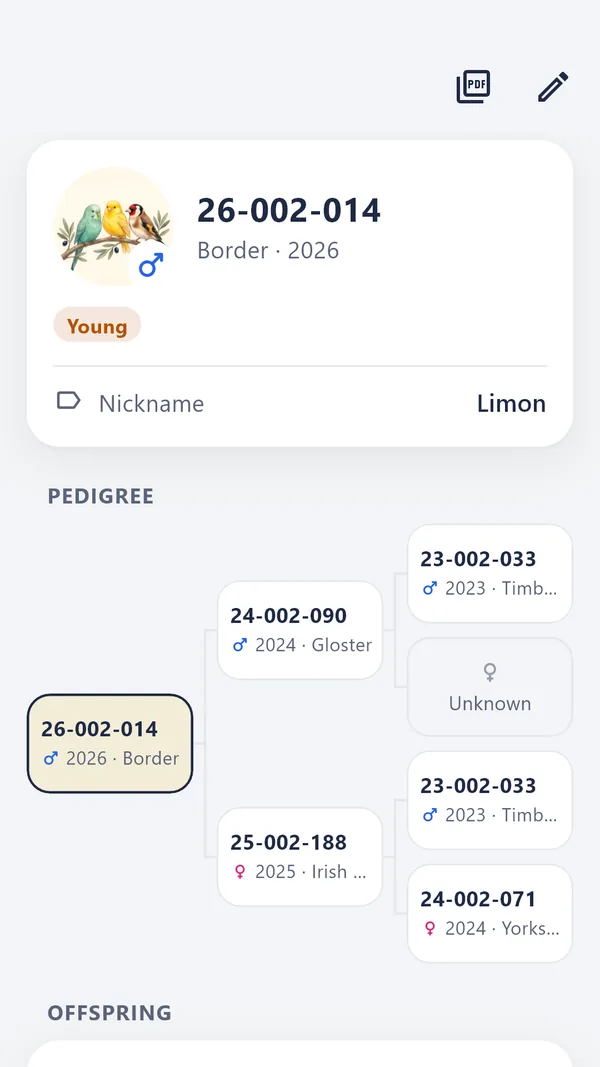
    Three generations on one screen. Tap an ancestor to open its card, and share the pedigree card as a PDF.

Pedigree

Three generations at a glance.

Link the parents once and Birdario builds the rest. Every ancestor is a card you can open, and the pedigree card comes out as a print-ready PDF.

  • Tap an ancestor to open its card
  • Shareable pedigree card PDF
  • Chicks listed on their parents' cards
Three-generation pedigree

Pairs and chicks

Run the season from one screen.

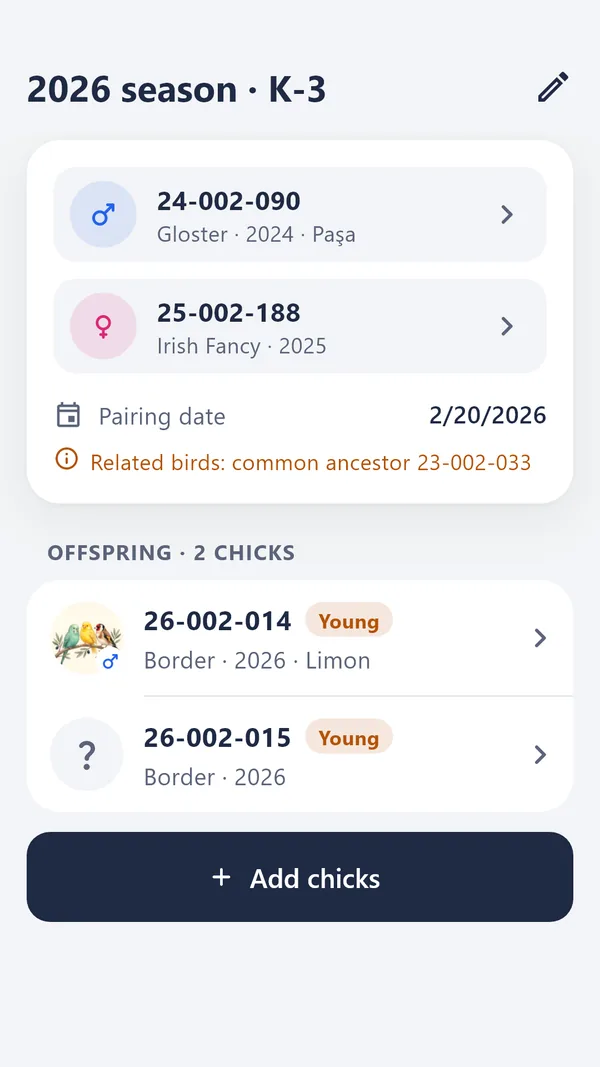
Pair a male and a female and note the cage. Enter chicks all at once instead of one by one; their numbers fill in order.

  • Kinship warning when two birds share an ancestor
  • Batch chick entry with the next numbers
  • Organised by season and cage
Pair card with kinship warning and chicks

Statistics

See your flock in numbers.

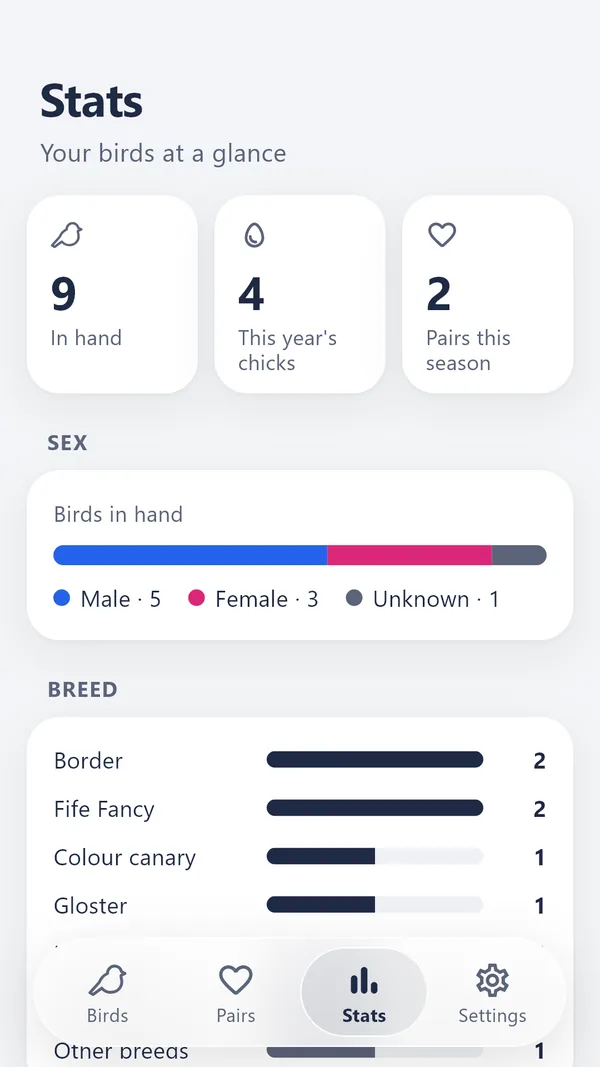
Birds in hand, this year's chicks, this season's pairs; breakdown by sex and breed, hatches by year and yield per pair.

  • Totals for birds, chicks and pairs
  • Breakdown by sex and breed
  • Hatches by year, yield per pair
Statistics screen

Your data

Import, export, back up.

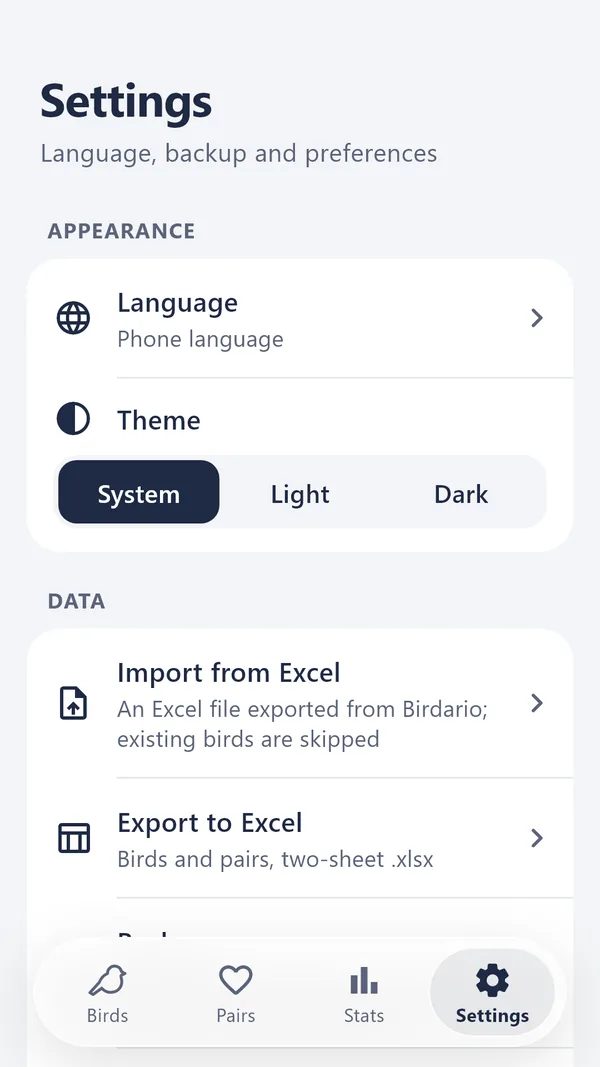
Export your records to Excel, add new rows in the same layout and import them back. A backup puts every record and photo in a single file.

  • Excel import with a summary before saving
  • Excel export of all records
  • One-file backup and restore, photos included
Backup, Excel and language settings

And more

Everything a paper notebook can't do.

  • Photos

    Up to five photos per bird, from the camera or the gallery.

  • Colour picker

    For colour canaries, choose melanin, lipochrome and category separately.

  • Next number

    The app continues your numbering series and updates the year digits in a new year.

  • Search and filter

    Search by ring, name or breed; filter and sort the list.

  • Status

    In hand, sold, transferred, lost or dead: always know where a bird is.

  • Trash and undo

    Deleted birds and pairs wait in the trash until you bring them back.

  • Dark theme

    Light or dark, following your phone or chosen by hand.

  • Every detail

    Feather type, bloodline, breeder and notes on every record.

Seven languages

In your language, Arabic included.

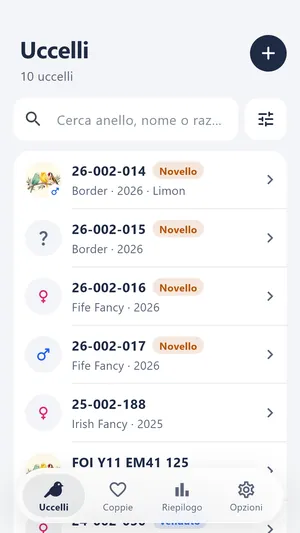
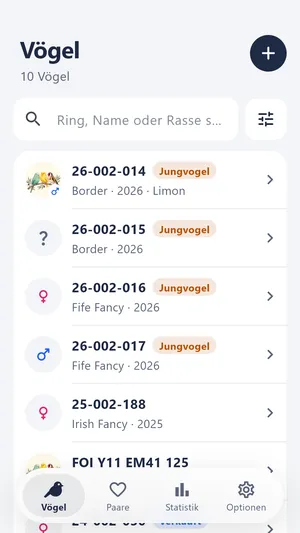
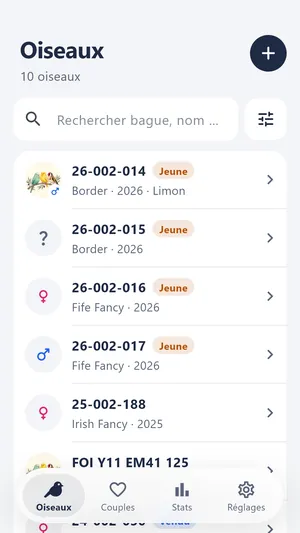
Turkish, English, Spanish, Italian, German, French and Arabic. In Arabic the whole app turns right-to-left.

Privacy

Your records stay on your phone.

Birdario has no server. Your birds, notes and photos live in the app's own folder and are never sent anywhere.

Read the privacy policy
  • No account

    No email, phone number or password required.

  • No ads, no tracking

    No analytics, advertising or tracking services.

  • Works offline

    Keep records in the bird room, even without signal.

  • Your backup, your call

    You decide where the backup file goes.

Pricing

Try it first, pay once if you like it.

Trial

Free

Every feature, up to 30 birds.

  • All features unlocked
  • No time limit
  • Your records stay yours

Full version

One-time purchase

Unlimited birds, unlimited pairs.

  • Unlimited birds and pairs
  • No subscription
  • Your trial records carry on as they are

The price is shown in the store, in your local currency.

FAQ

Questions breeders ask

Do I need an internet connection?

No. Birdario doesn't connect to the internet to work; your records live on your phone. Only buying the full version needs a store connection.

What happens to my records if I change phones?

Make a backup in Settings: every record and photo goes into a single file. Move the file to your new phone and restore it.

Can I import my existing Excel list?

Yes, in Birdario's Excel layout. Export your records to Excel first, fill in your list under the same headers without changing the first row, then import it. Birdario summarises what will be added before saving and skips birds that are already recorded.

Which birds is it for?

Canary breeds such as colour canary, Border, Gloster, Fife Fancy, Yorkshire, Timbrado and Roller are ready in the list. For any other cage bird, just type the breed name.

Will it be on iPhone?

Birdario is being prepared for Android and iPhone and will be released on both stores.

Do I lose my records when the trial ends?

No. At the trial limit you can't add new birds, but your existing records stay. Get the full version and carry on where you left off.

Get your records in order before the season starts.

Birdario is coming soon to Google Play and the App Store.

Coming soonGoogle PlayComing soonApp Store